
An online menu that turns browsing into ordering.
Big photos, clean sections, and every size and option handled — a menu built to make people hungry, then make it easy to act on it.
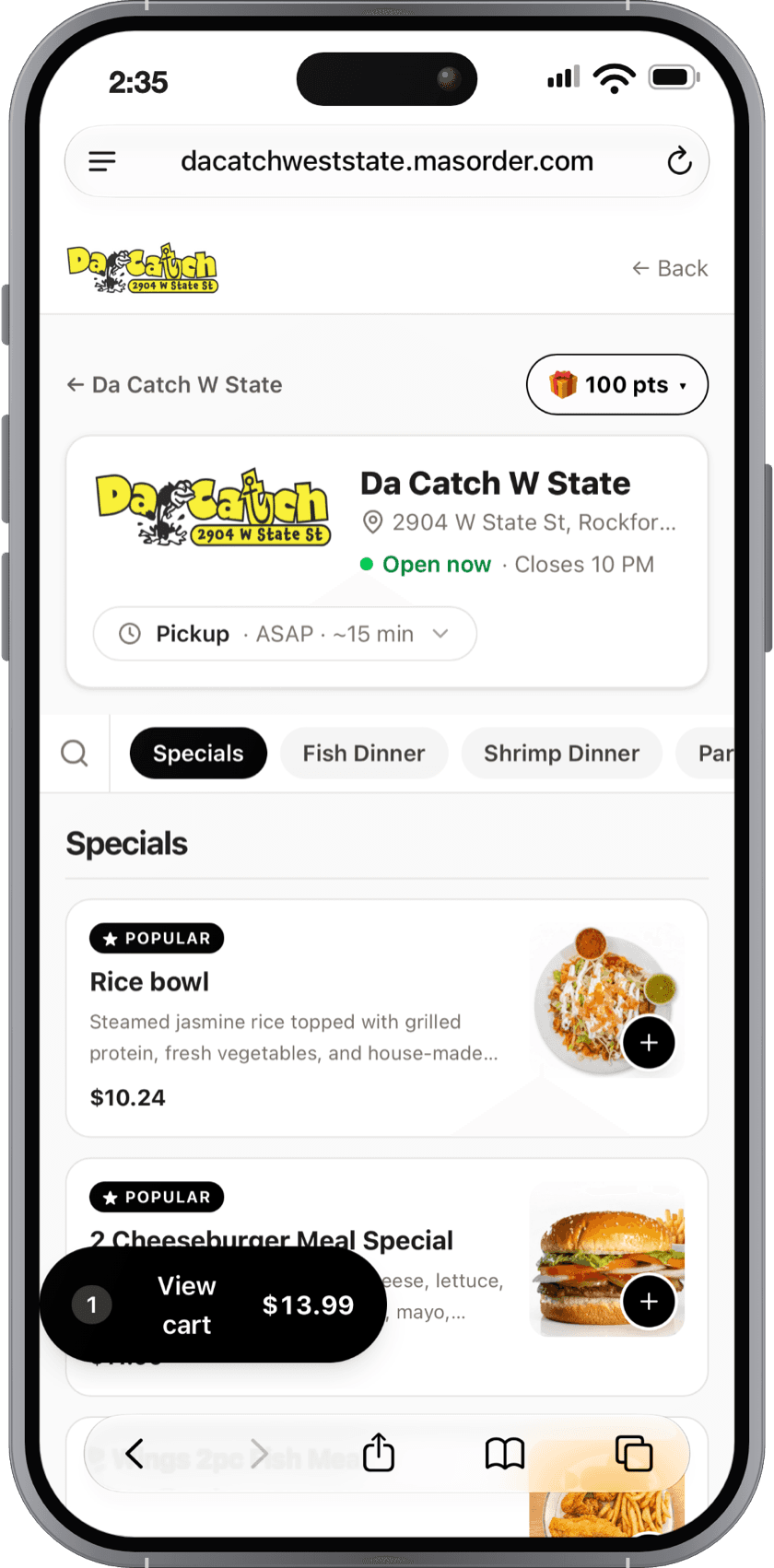
A menu that gets more guests to order.
Photos that sell
Big, appetizing photos on every item — because people order with their eyes. Your bestsellers wear a badge so new customers know what’s good.
Sizes and options, handled
Small or large, sides and add-ons, required choices — modifiers work the way your kitchen does, and prices always show from the smallest size.
Fast to find, easy to order
Category sections and search get customers to their dish in seconds — fewer taps between hungry and checkout.
Designed to turn menu browsers into buyers.
Every scroll nudges toward the cart.
Photos first, badges on what’s good, options that don’t confuse, and an add button always in reach — the menu does the selling, so your counter doesn’t have to.
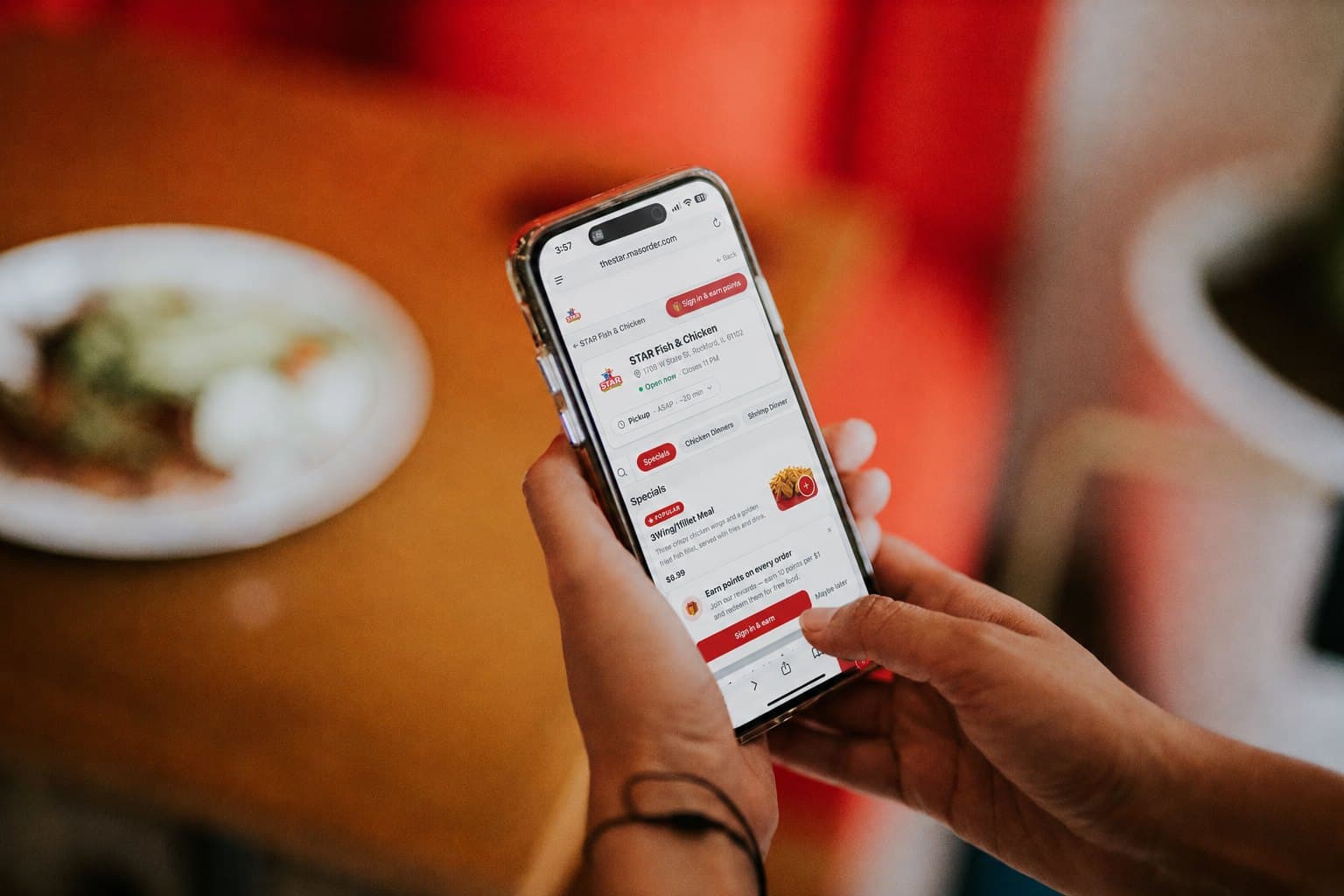
Your menu, in your customers' hands.
From paper menu to selling machine.
- 1
Snap a photo of your paper menu
AI builds the digital menu from it — items, prices, sizes, and options included. No spreadsheet, no data entry.
- 2
Add photos and fine-tune
Upload dish photos, set bestseller badges, group sections the way you like — from your dashboard on any device.
- 3
Customers browse, crave, order
The menu is the storefront: every item goes straight into the cart with its options, and smart upsells suggest the right add-ons.
Everything included
No add-ons, no upcharges — it's all part of your plan.