
The right add-on, at the right moment.
MasOrder reads the cart and your menu, then suggests the add-ons that fit — like your best counter person, on every single order.
Ordering that upsells like your best server.
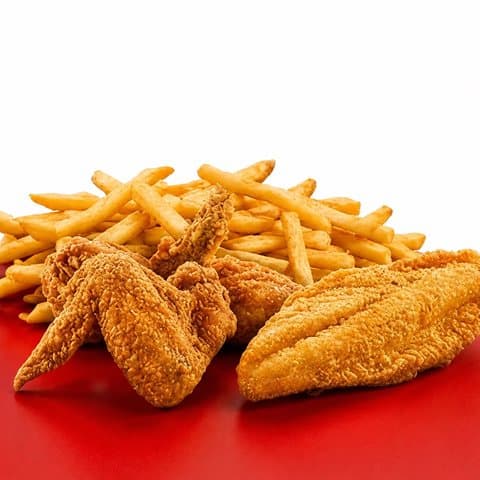
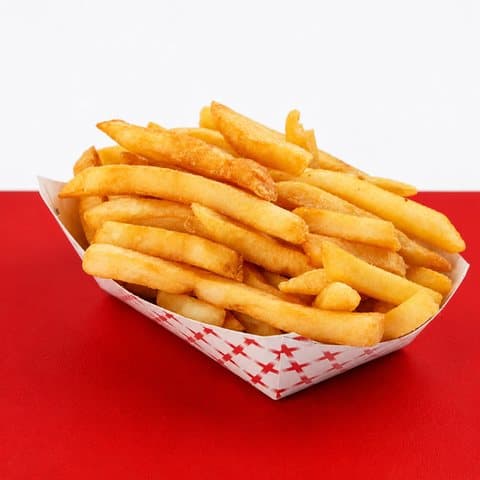
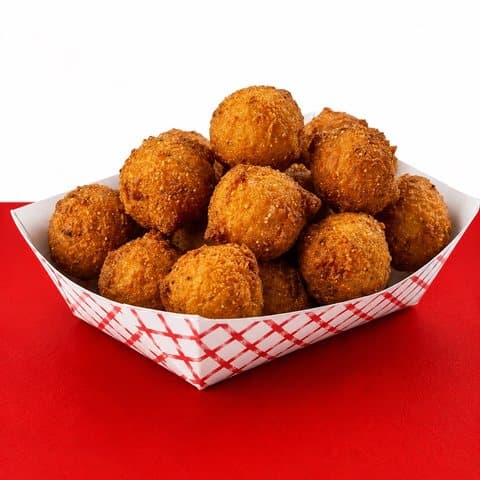

AI that reads the order
Suggestions come from what’s in the cart and what’s on your menu — sides, drinks, and desserts that actually pair with the meal.
Zero setup — your picks first
It runs automatically from day one. Want control? Flag any item as an upsell candidate and the engine puts it first in line.
Never in the way
A couple of tasteful suggestions, never items already in the cart, and checkout works exactly the same if customers ignore them.
Grow your average check without lifting a finger.
The right add-on at checkout, every time.
One tap adds it to the order — no popups, no pressure, no re-picking options. A small nudge on every order quietly adds up.
Put your best sellers first in line.
Flag any item as an upsell candidate in your dashboard and the engine prefers it — your call, one checkbox.
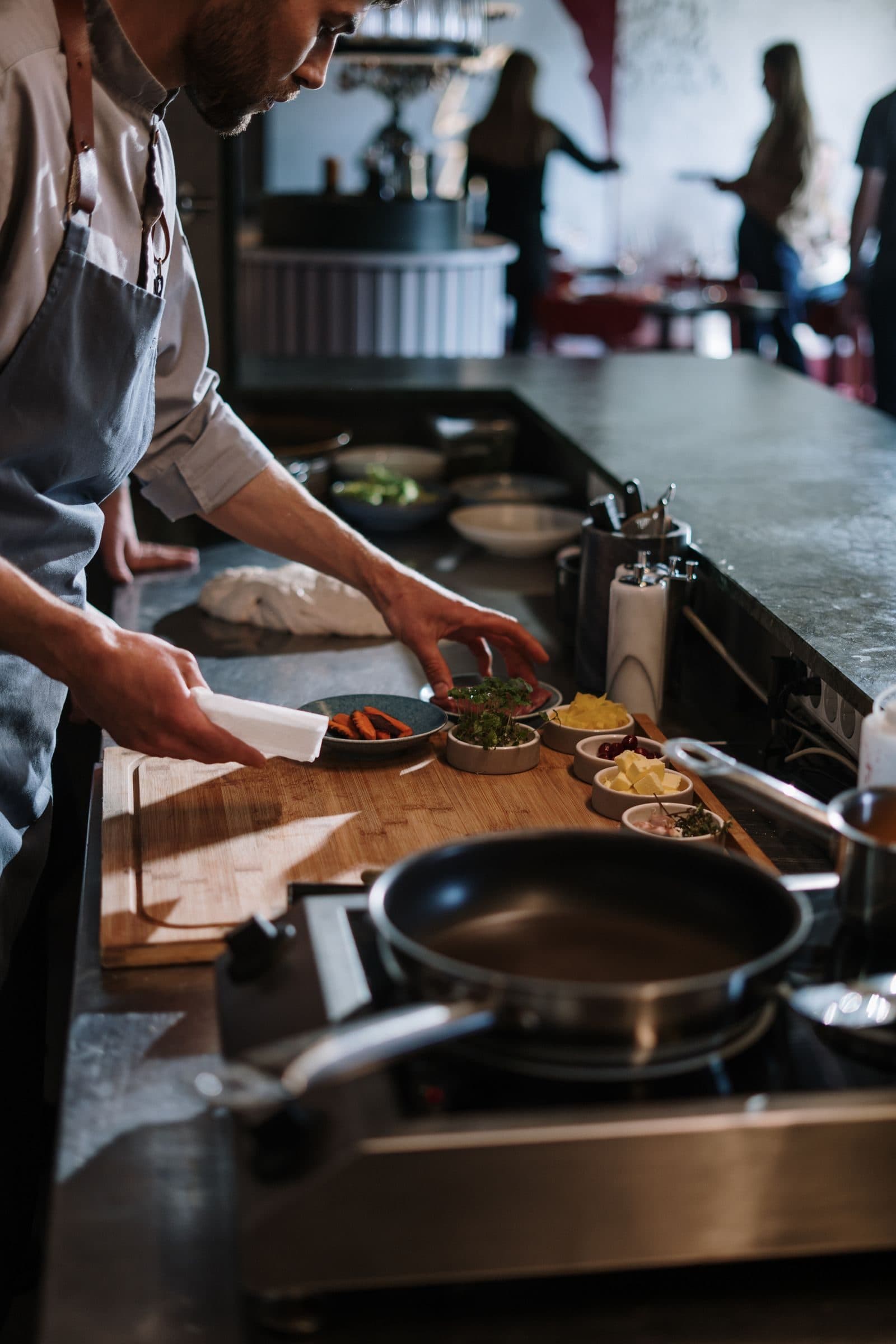
Selling the extras, while you run the kitchen.
A quiet nudge on every order.
- 1
A customer builds their order
They add a meal to the cart on your site — pickup or delivery, phone or desktop.
- 2
The engine reads the cart and your menu
AI picks the add-ons that fit — and any items you’ve flagged as upsell candidates go first.
- 3
One tap, bigger ticket
“Goes well with your order” shows up at checkout. One tap adds the item, and it flows to your kitchen like everything else.
Everything included
No add-ons, no upcharges — it's all part of your plan.