
Every order on one screen. Every ticket prints itself.
New orders land with a flash and a chime nobody can miss, tickets hit the printer on their own, and the kitchen keeps moving without anyone touching a computer.
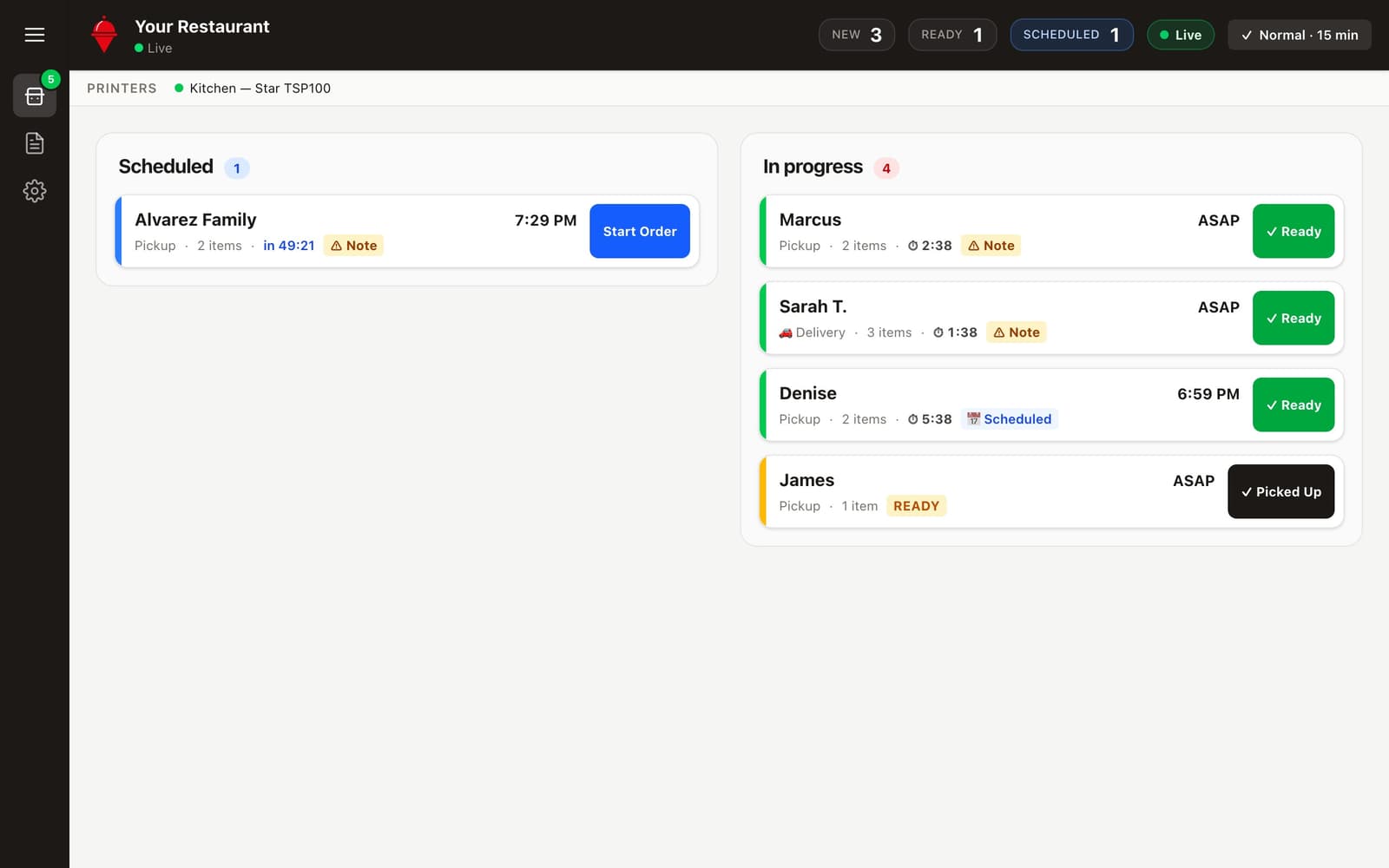
Everything your kitchen needs to keep moving.
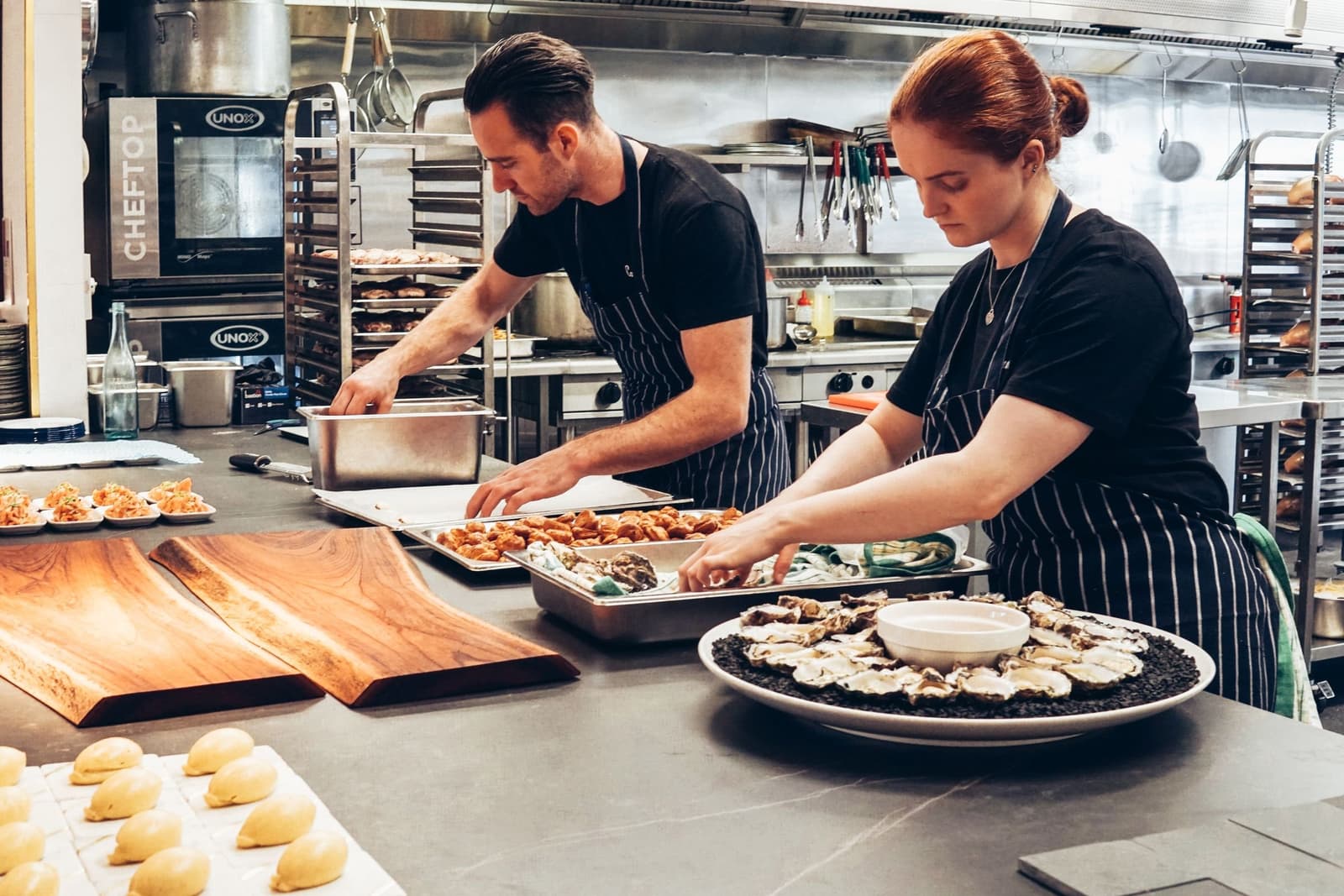
Impossible to miss
New orders flash the whole screen and chime on repeat until someone taps — heard across the line, even mid-rush.
Tickets print themselves
The moment an order is paid it’s on your printer — food only, no prices, made for the rail. Star and ESC/POS thermal printers both work.
It minds itself
The tablet locks into kiosk mode, updates itself over Wi-Fi, and if it ever drops offline, we email you before it becomes a problem.
The rush, handled.
Paid to on-the-rail in seconds.
Every paid order prints itself to your Star or ESC/POS printer. And if a ticket ever fails, a red alert stays on screen until it prints — nothing slips through a rush.
Slammed? Flip on Busy.
Busy mode adds prep time to every quote customers see, so the kitchen breathes. Need more? Pause delivery — or all ordering — right from the tablet, behind your PIN.
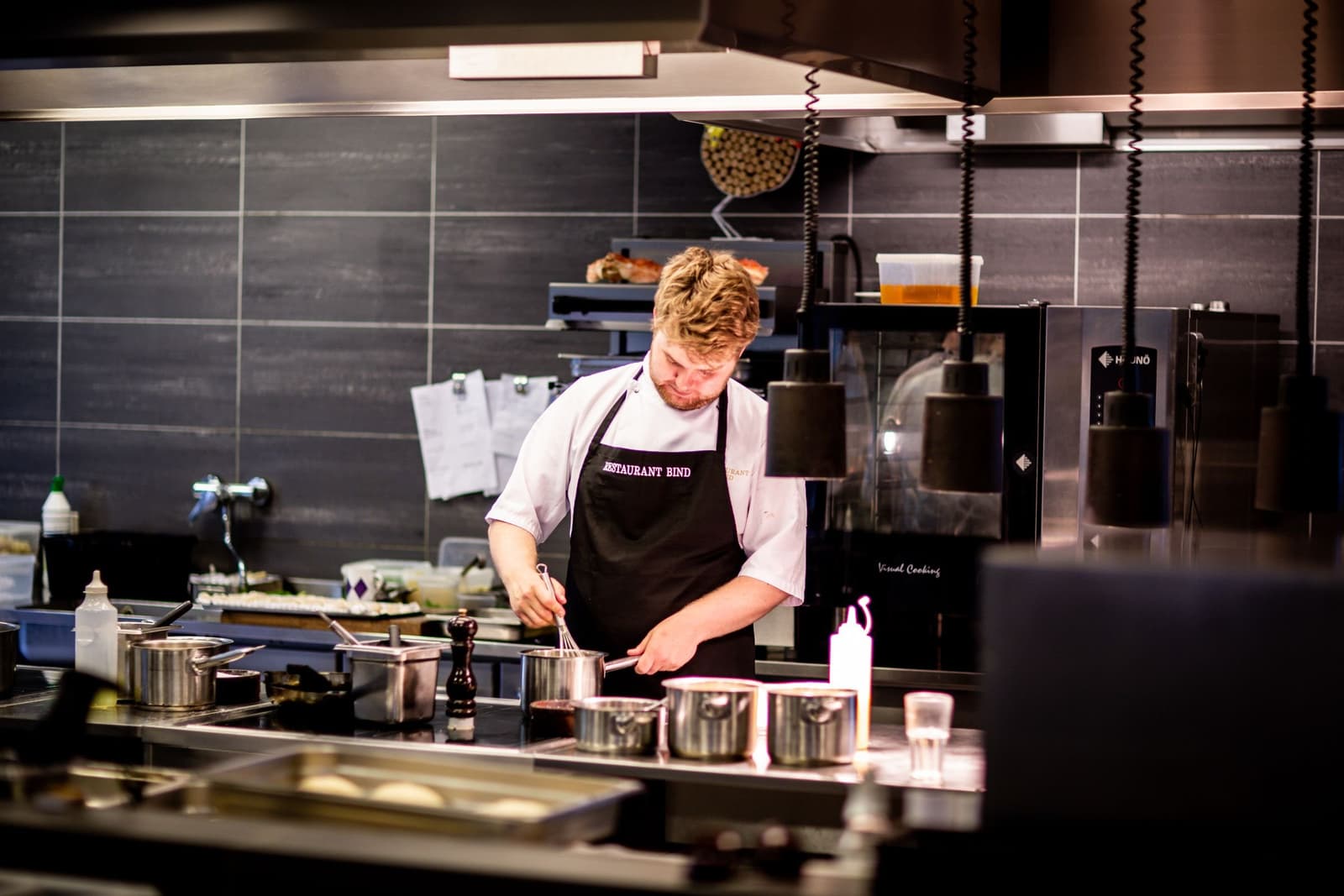
Mark it ready. We tell the customer.
Plug in. Pair. Cook.
- 1
Pair it in minutes
Enter a 6-digit code from your dashboard and the tablet is yours — no accounts on the device, nothing for staff to log into, kiosk mode optional.
- 2
Orders run the board
New orders land with a flash and a chime, delivery and notes are flagged, and scheduled orders surface on their own 25 minutes before pickup.
- 3
You stay in control
Cancels and refunds sit behind a manager PIN. Flip on Busy mode when you’re slammed, or pause delivery — or all ordering — right from the tablet.
Everything included
No add-ons, no upcharges — it's all part of your plan.